Better Blog Formatting. Better Presentation. Better Search Results. Get Started

Kadence Block

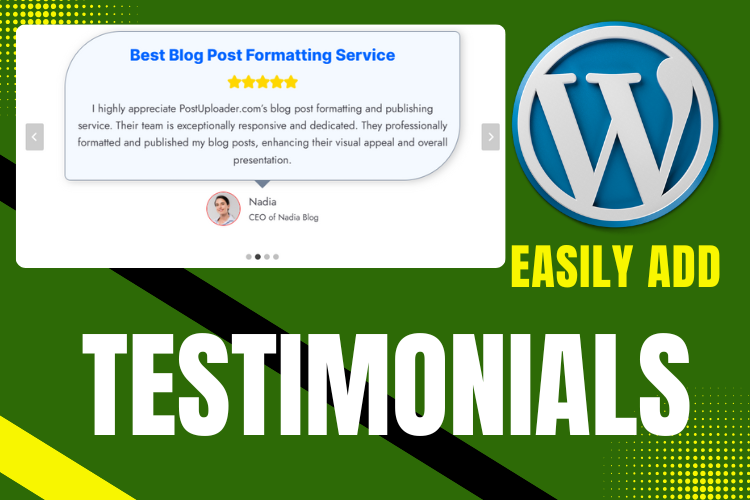
Testimonials with Kadence Block

How to Add Testimonials Using Kadence Block in WordPress

Adding testimonials to your WordPress website is a powerful way to build trust with your audience. With the Kadence Block plugin, you can showcase client feedback beautifully and effectively. Whether you’re a business owner, blogger, or freelancer, using testimonials can boost credibility and improve conversion rates. In this tutorial, we’ll walk you through how to […]
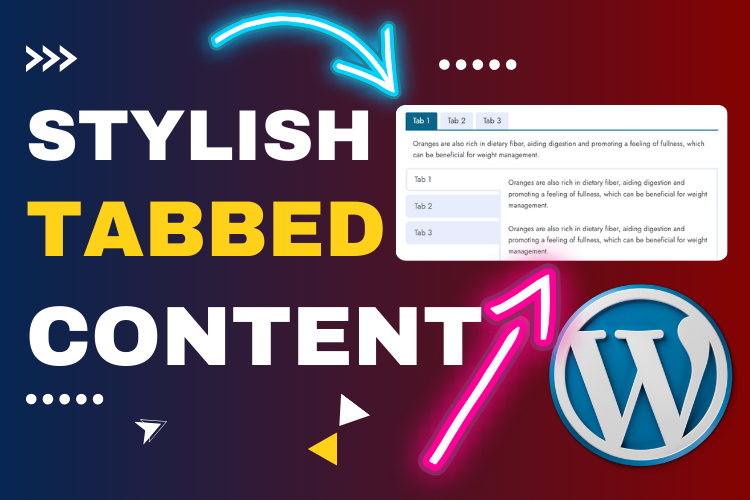
Tabbed Style Content with Kadence Block

How to Add Tabbed Style Content Using Kadence Block in WordPress

Creating tabbed content is a great way to improve user experience on your WordPress website. Whether you’re organizing FAQ sections, feature lists, or multi-step tutorials, using Kadence Block’s tab feature makes the process simple and visually appealing. In this guide, you’ll learn how to add customizable tabbed style content using the Kadence Block plugin for […]
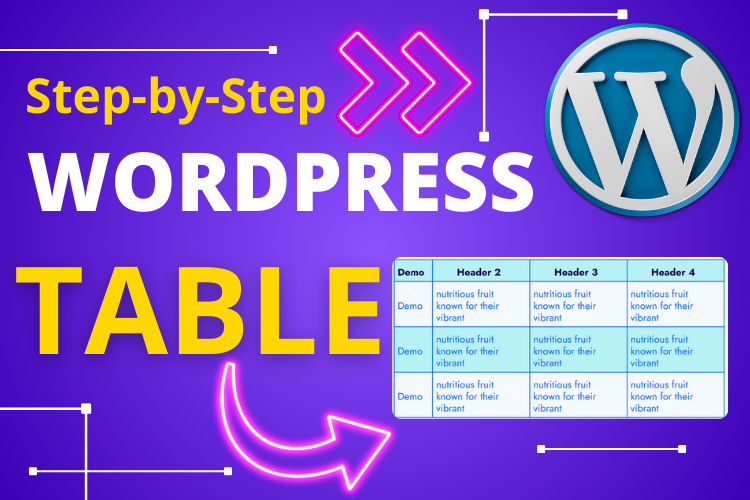
Advanced WordPress Table with Kadence Block

How to Build an Advanced WordPress Table Using Kadence Block

Tables are essential for presenting data in a structured format on your website. Whether you’re sharing comparison charts, pricing tables, or product specs, a well-designed table enhances readability and user experience. In this guide, you’ll learn how to create a professional WordPress table using the Kadence Block plugin with complete customization options for rows, columns, […]
Adding Spacer and Divider in WordPress Using Kadence Block

How to Add Customizable Spacer and Divider in WordPress Using Kadence Block

Creating a clean and visually appealing layout for your WordPress site is essential to keep your audience engaged. Spacers and dividers play a vital role in structuring your content. With the Kadence Block plugin, you can easily add customizable spacers and dividers, offering full control over their appearance and placement. Watch the detailed step-by-step tutorial […]
Add Progress Bar in WordPress Using Kadence Block

How to Add a Progress Bar in WordPress Using Kadence Block Plugin

Adding a progress bar to your WordPress site can elevate its functionality and design. Whether you want to showcase project completion percentages or provide a visual representation of goals, progress bars are versatile and engaging. Using the Kadence Block plugin, you can effortlessly add and customize progress bars for your blog posts or pages. Watch […]
Display Category-Based Posts Using Kadence Block in WordPress

How to Display Category-Based Posts in WordPress Using Kadence Block

Organizing content by categories or tags is essential for improving navigation and boosting user engagement on your WordPress blog. With the Kadence Block plugin, you can dynamically display category-based or tag-based posts within your blog posts or pages, creating a seamless browsing experience for your readers. In this tutorial, we’ll guide you step-by-step to showcase […]
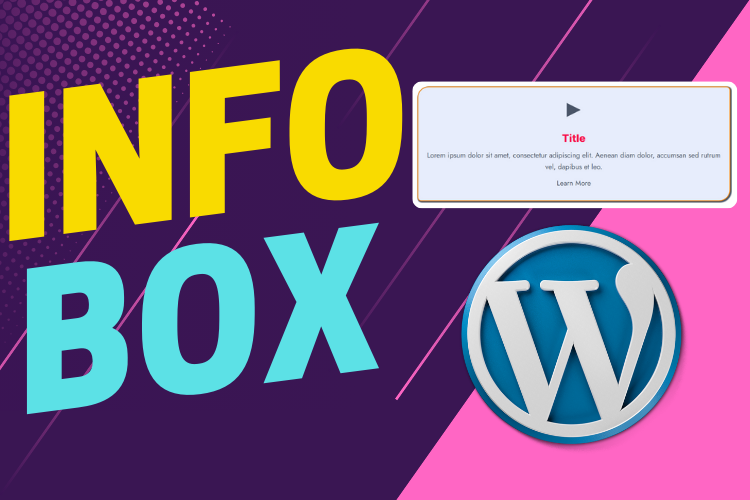
Stylish Infobox with Icon in WordPress Using Kadence Block

How to Add a Stylish Infobox with Icons in WordPress Using Kadence Block

Adding a stylish infobox with icons can significantly improve the design and user experience of your WordPress website. Whether you want to highlight key points, showcase features, or present important information, an infobox is an ideal way to combine text and visuals in an engaging format. Using the Kadence Block plugin, creating and customizing infoboxes […]
Stylish Icon List in WordPress with Kadence Block

How to Add an Icon List in WordPress with Kadence Block

Replacing traditional bullet points with a stylish icon list can significantly enhance the readability and visual appeal of your WordPress blog. By using the Kadence Block plugin, you can easily customize your list with relevant icons, colors, and sizes, all without any coding skills. In this tutorial, I’ll guide you through the steps to create […]
Adding Stylish Icons in WordPress with Kadence Block Tutorial

How to Add Stylish Icons in WordPress with Kadence Block

Enhancing your WordPress website with stylish icons is an excellent way to boost engagement and improve aesthetics. Icons guide readers, emphasize key points, and provide a modern, visually appealing touch to your content. With the Kadence Block plugin, you can easily add and customize trendy icons without writing any code. In this tutorial, we’ll guide […]
PostUploader
Our specialist team understands the importance of maintaining a lasting relationships with clients to deliver specific investment solutions.
Contact Us